
Follows the body
Folds change with the driver bones, frame by frame — not with a timeline or a state machine.
Bring pose-driven wrinkle detail into Unreal Engine. Cloth Wrinkle Solver blends your authored maps as the character moves, with a fixed shader cost.
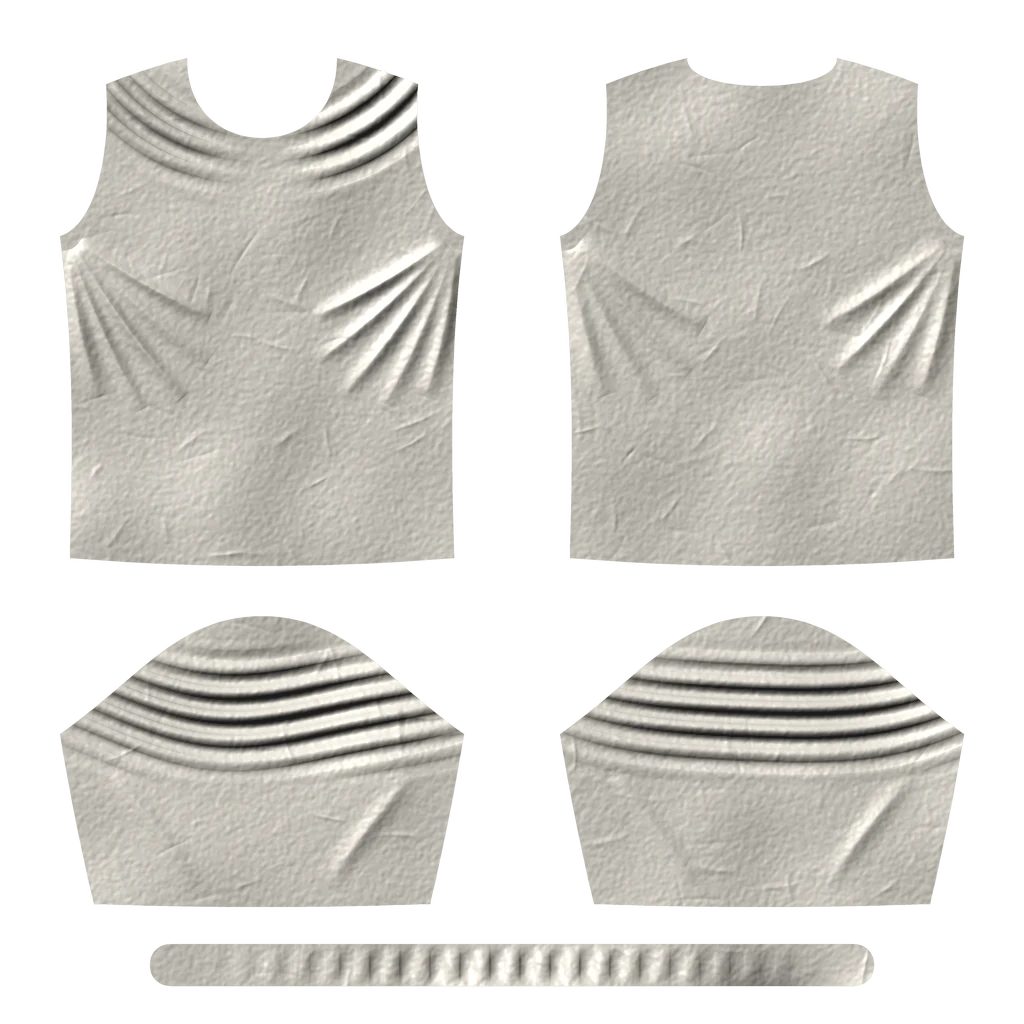
An interactive illustration using generated cloth maps. The browser demo illustrates the effect; it does not run the Unreal plugin.
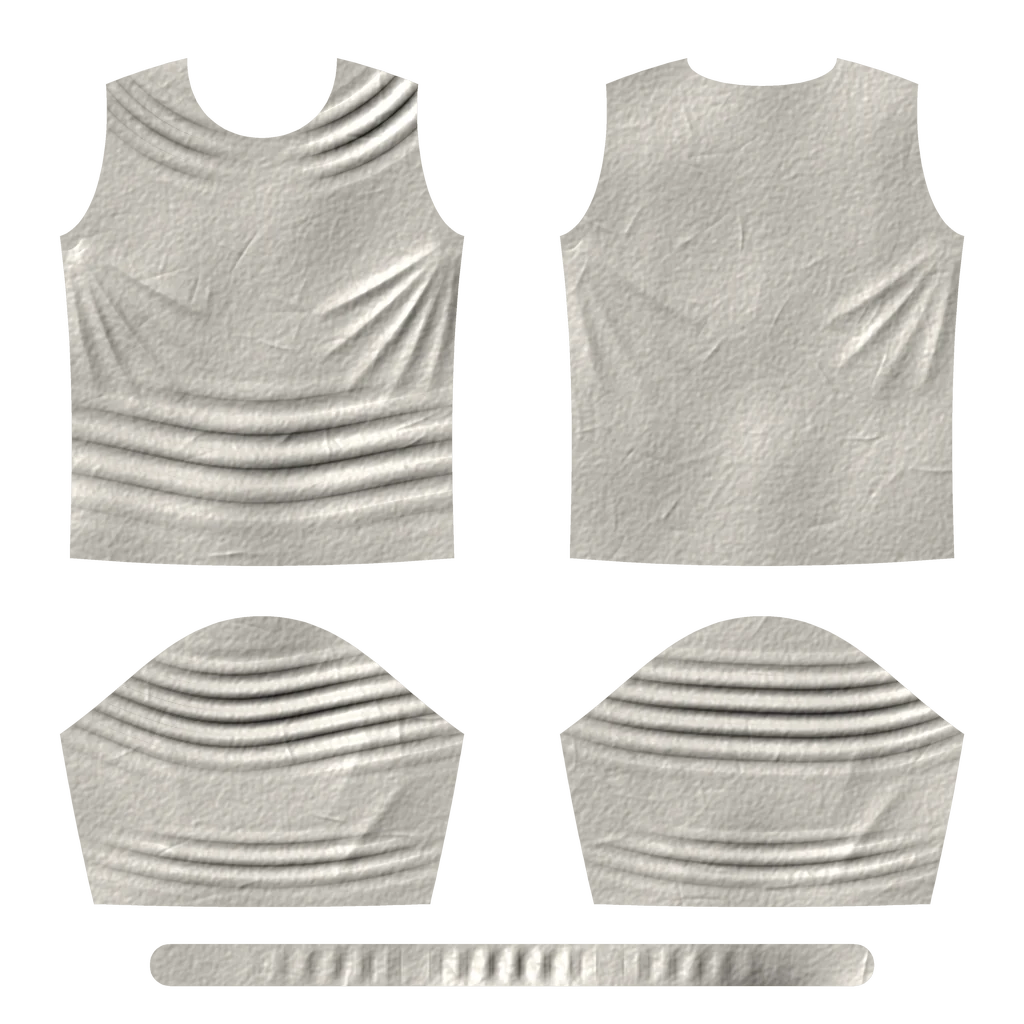
You bake a wrinkle map for each pose that matters. The runtime does the rest: every frame it works out which of your maps fit the body right now, and how much each one should show.
Connect the character and material once, then preview the transitions in your animations.
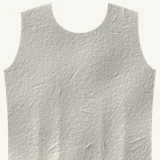
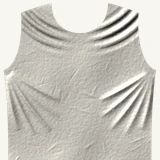
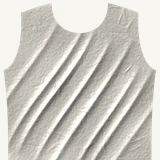
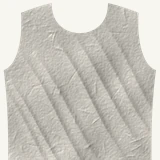
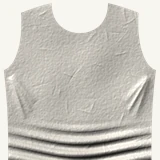
Folds change with the driver bones, frame by frame — not with a timeline or a state machine.
Wrinkle maps continue to blend as the character moves between the poses you authored.
Blend between pose maps to keep wrinkle changes gradual.
Tune how quickly wrinkle detail responds during snaps and quick turns.
Which poses deserve a map? Point the analyzer at your animations and it proposes a set that covers them — then shows how it holds up on clips it never saw.
Add animations or whole folders. Mark what the set must be tuned for and what it only has to cover.
Tell it which poses have to be in the set. It builds the rest around them.
It compares sets of different sizes and recommends the smallest that holds up — fewer maps to bake.
Every result is measured on animations the analyzer didn't learn from, so a set can't just look good on paper.
A changed animation pack gets new runtime presets — livelier, cleaner, calmer — without re-baking a single map.
A commandlet runs the same analysis from the command line, and the pose set is plain JSON.
Drop the material function into your cloth material. It adds the live folds onto your base normal.
Add the node to your Animation Blueprint. It writes one curve per pose, plus optional diagnostic curves.
Add the component to the character. It solves from the skeletal mesh's pose — or reads the node's curves — and writes straight to the cloth components.
Create an analysis setup, add your animations and run it. Pick the set size you want.
One click writes the pose set asset and a document Looma can read.
Import the document in Looma, simulate and bake one wrinkle map per pose.
Add the maps and press Build: they're matched to poses by name and packed into a texture array.
Add the AnimGraph node or the Wrinkle Material Driver component to the character.
Use the cloth material, set its texture array and how deep the folds should be. Done.
Send finished maps from Looma, or let an assistant do it. The editor picks them up from the project's inbox, imports them as normal textures, updates the pose set and writes a receipt Looma can read back.

The plugin is in beta. This is what the current version does.
| Engine | Unreal Engine 5.8 |
|---|---|
| Platform | Win64 |
| Cloth | Chaos Cloth components; any material that uses the material function |
| Modules | Runtime · Editor · Analyzer |
| Drivers | Wrinkle Pose Solver AnimGraph node · Wrinkle Material Driver component |
| Outputs | Custom Primitive Data or scalar parameters |
| Shader cost | Fixed per pixel, independent of the number of poses |
| Textures | Texture2DArray · BC5 single maps or BC7 packed pairs |
| Regions | Up to 3 per mesh, each with its own pose set |
| Pipelines | Pose sets as JSON · headless analysis commandlet |
Early-access studios get the runtime, Looma, and our help taking the first garment from animations to folds.