
The atelier for wrinkle maps.
Looma takes a garment from a skinned FBX to a finished, consistent set of wrinkle maps. Simulation, wrap, bake, paint, sculpt and blend preview share one viewport, one scene file and one undo history.
 Project
 Bake
Bake Export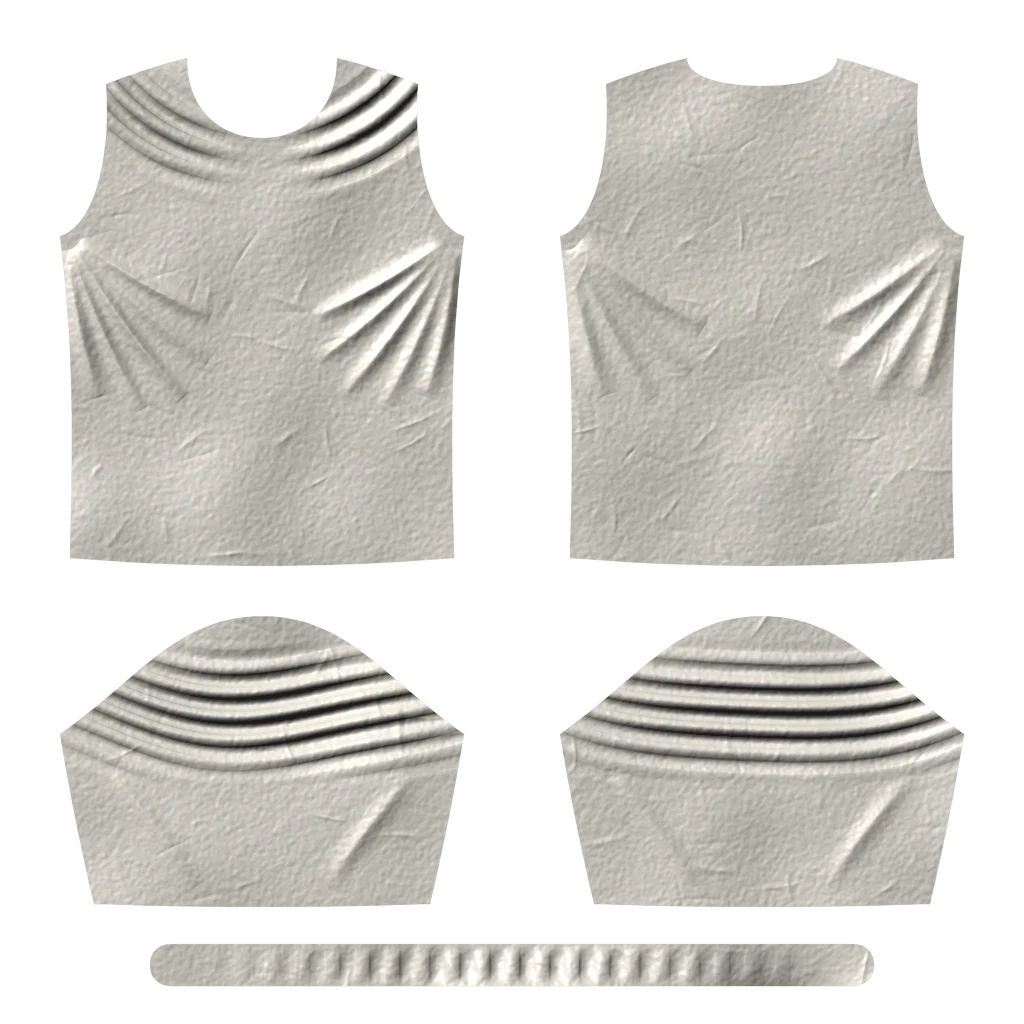
Nine benches. One garment on the table.
Each workspace is a bench for one job. The garment stays in the shared viewport while you move between them, and nothing you've done is lost on the way.
Start from what you already have.
Bring the garment as a skinned FBX, the body it is worn on, and — if your rig has them — the Pose Wrangler RBF correctives. Looma reads the skeleton, weights and animation takes directly.
- One scene file.A .looma scene keeps poses, zones, settings and camera together.
- Sources stay untouched.FBX files are referenced and fingerprinted, so a changed source never slips in unnoticed.
A library of poses, not a timeline.
Pick the frames that matter from your animation takes and keep them in one library. Need a pose the animations don't have? Copy one and turn the joints by hand.
- Straight from Unreal.The pose set the analyzer chose in your project arrives ready to simulate.
- Full undo.Every change to the library and every joint edit can be undone and redone.

Tell the cloth where it may move.
Paint regions of the garment with familiar component gestures, grow, shrink and mirror them. Conform zones decide, pose by pose, where the cloth should hug the body in the bake.
- Per-pose layers.A zone can be on for one pose and off for the next.
- Preview before you bake.See the conformed shape against the body without touching the project geometry.

Simulate every pose, right here.
Built-in cloth solvers take each pose from bind to the target, on CPU or GPU. Pause, resume with unchanged inputs, or grab the cloth in the viewport to help it settle.
- The whole set in one go.Run every pose the analyzer chose as one job, and come back to finished cloth.
- Or use your own simulator.Export per-pose collider clips and bring the results back as meshes.

Carry the folds onto the game mesh.
The simulation is dense; your game mesh isn't. Wrap transfers the simulated surface onto the low-resolution garment and keeps only what the bake needs: the height of each fold.
- Signed clearance.Push the underlay in or out per zone to get folds that sit in, or stand out of, the surface.
- Raw results stay raw.The physical simulation is never altered; capture settings can change without re-simulating.

From folds to a normal map.
Bake by raycast, which only needs UVs on the receiver, or by surface projection when the high mesh shares its UV layout. Every bake writes a new folder; sources and earlier results are never overwritten.
- Honest about misses.Rays that find nothing are reported, never silently filled.
- DirectX or OpenGL.Choose the green channel your engine expects.
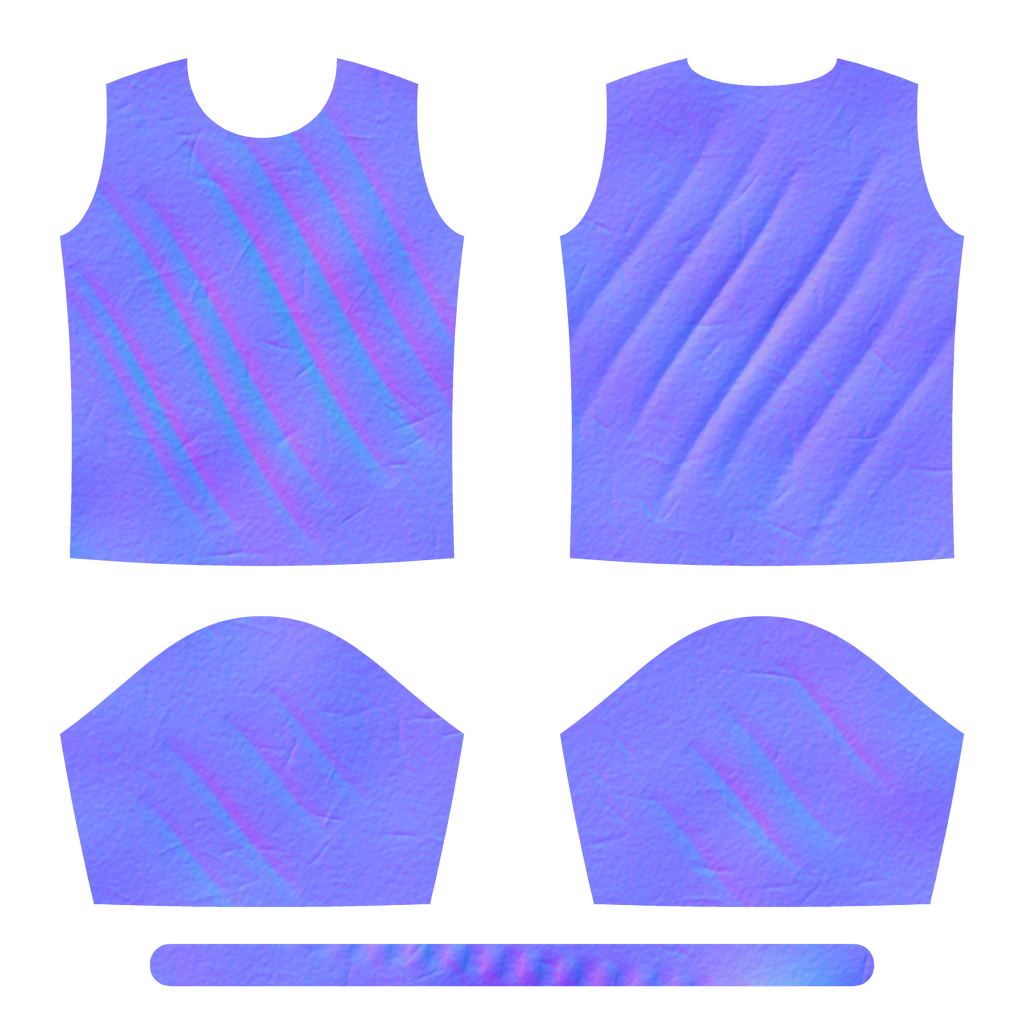
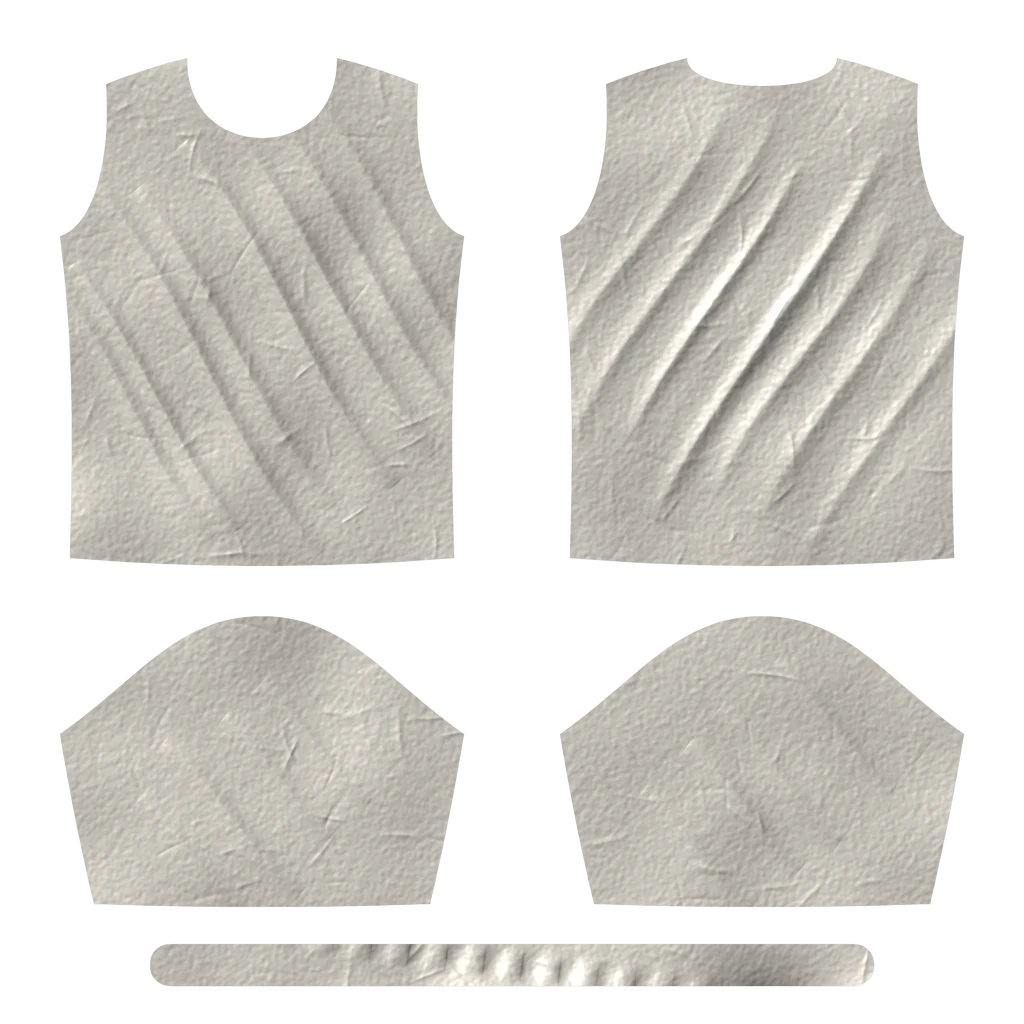
Fix the map, not the simulation.
Brush directly on the garment in the viewport: smooth noise, repair UV seams, clone a good fold over a bad one. For bigger changes, sculpt the pose itself with brushes, masks and layers, then apply and re-bake.
- Seam repair.A dedicated brush evens out the line where two UV islands meet.
- Save as a copy.Edits go to a new file; the baked original stays as it was.

See the blend before the game does.
Blend Space shows what the runtime will produce between your poses. Find a mix you don't like, sculpt the pose behind it and re-bake — without leaving Looma.
- What you see is what ships.Blend Space and the Unreal runtime agree on how poses mix.
- Computed in the background.The viewport stays responsive while a blend is being prepared.
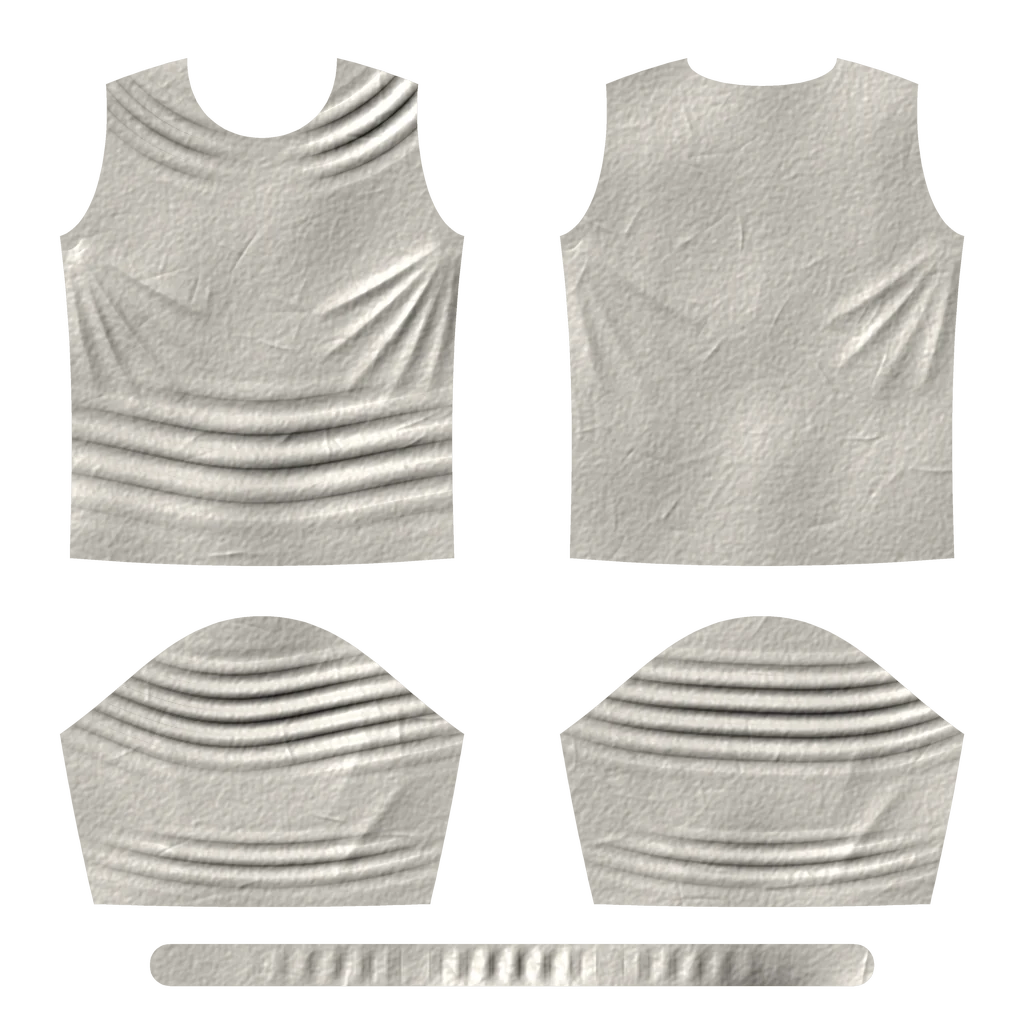

Ship two maps in one texture.
Collect the final maps in an export list, then pack them in pairs: the first map in red–green, the second in blue–alpha. The runtime reads both halves and rebuilds the normals in the shader.
- Straight into Unreal.Send finished maps to a project with the runtime; they are imported as normal textures and the pose set picks them up.
- Half the textures.Packed pairs mean half as many texture objects to manage per garment.
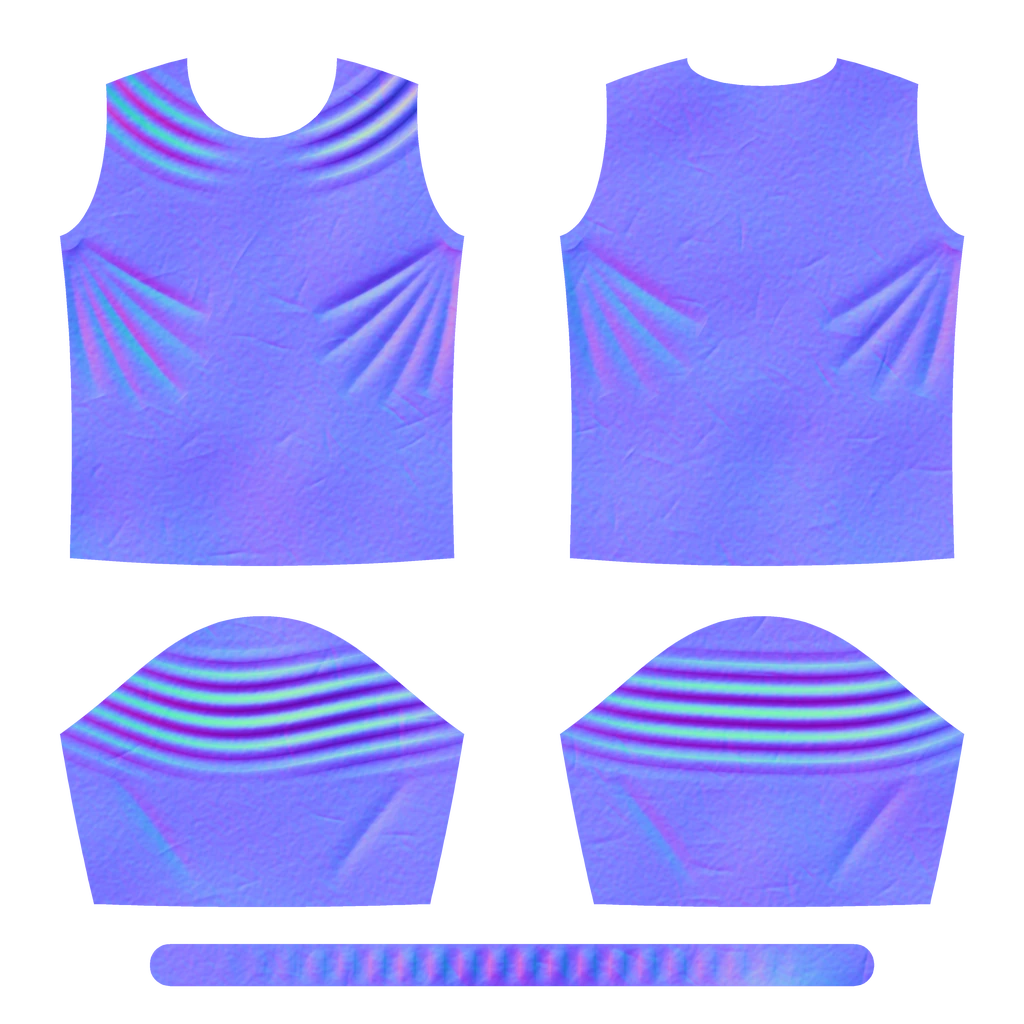
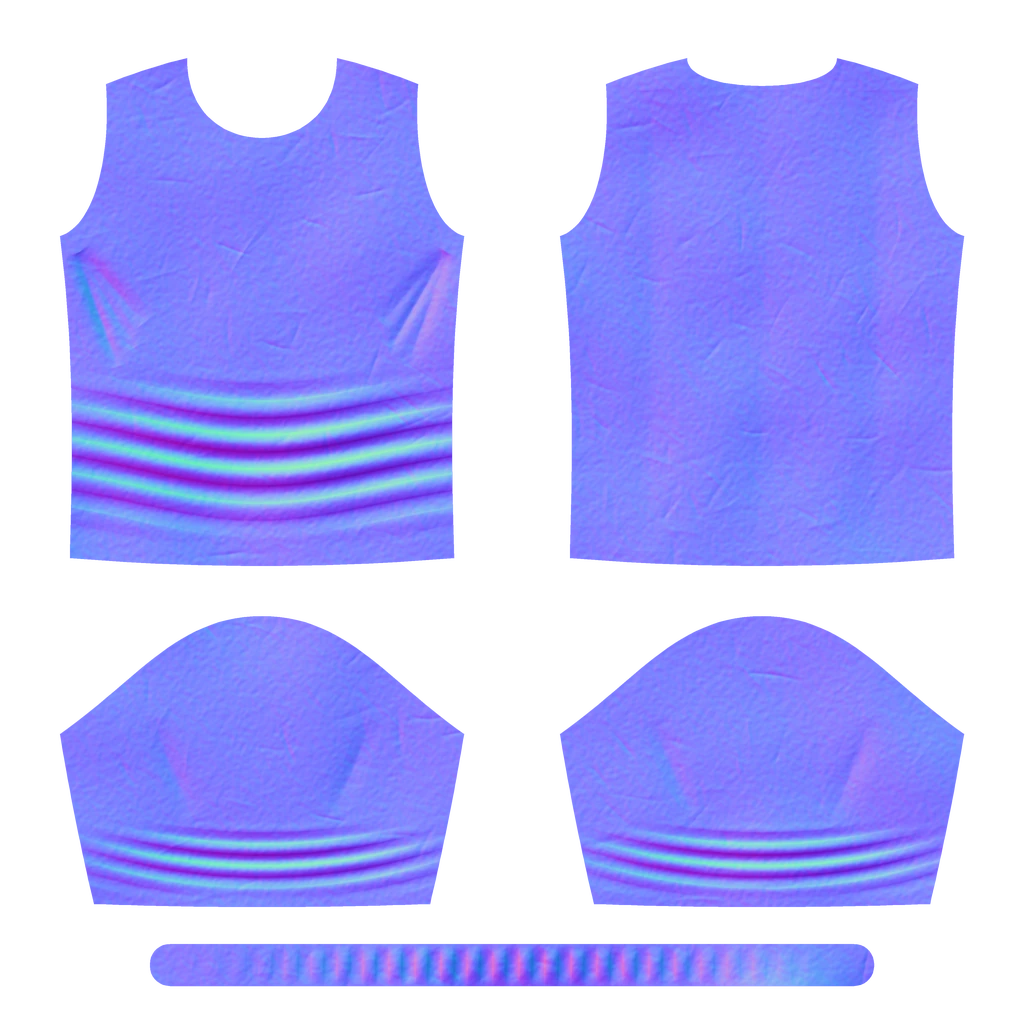
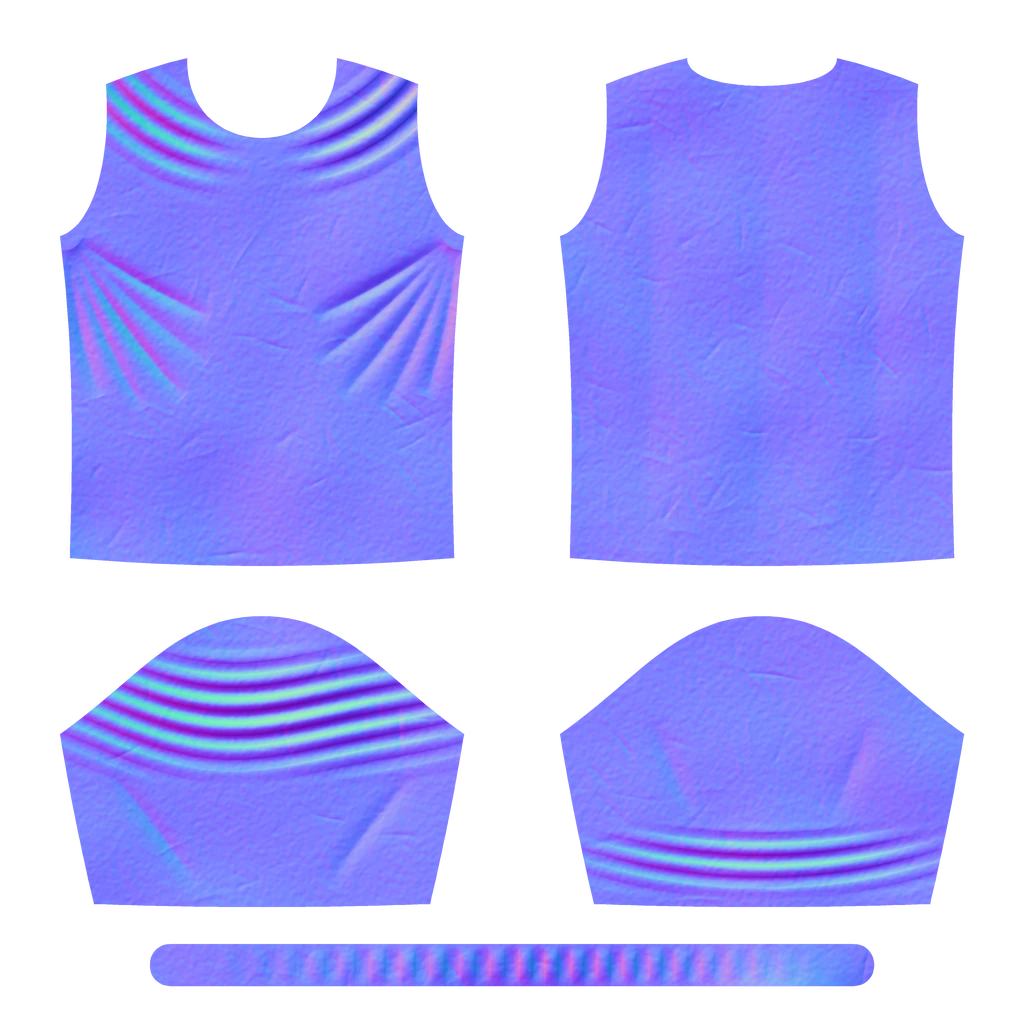
Every fold the cloth made, kept.
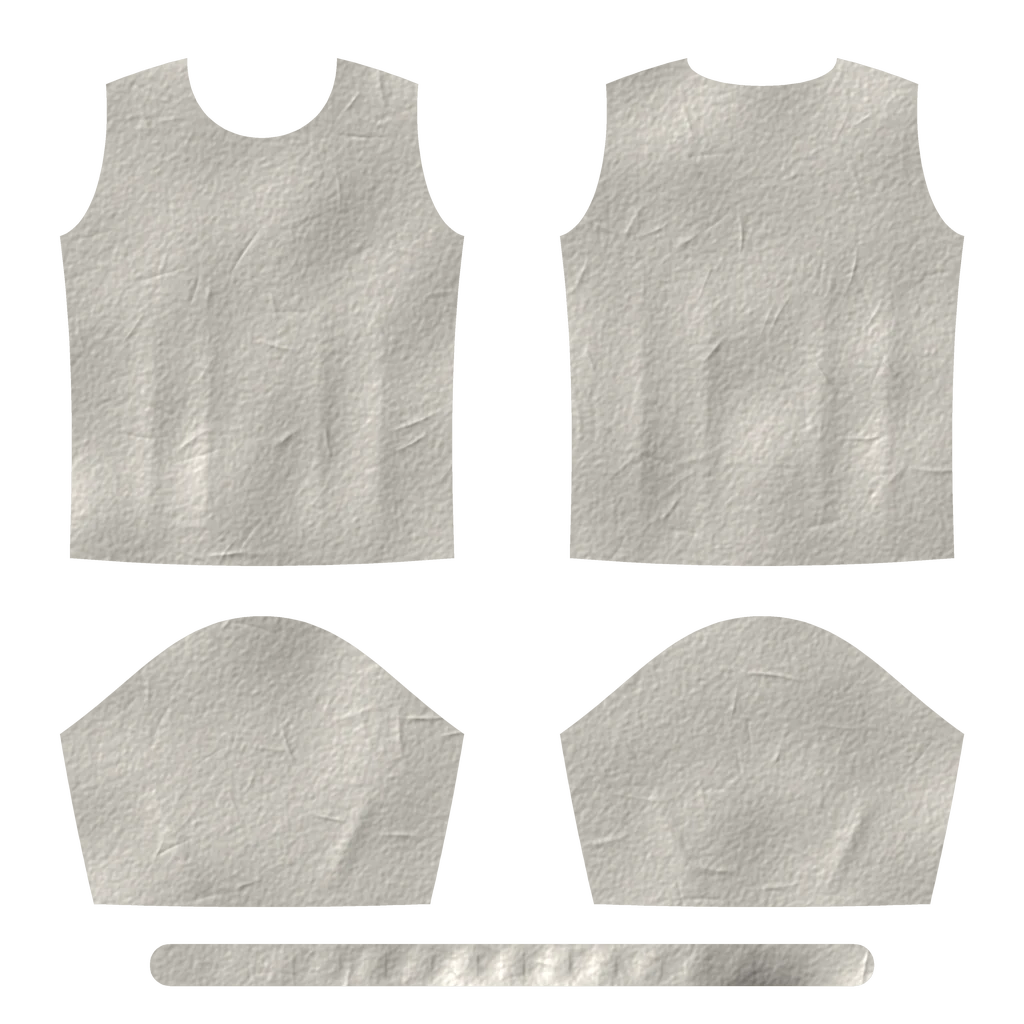
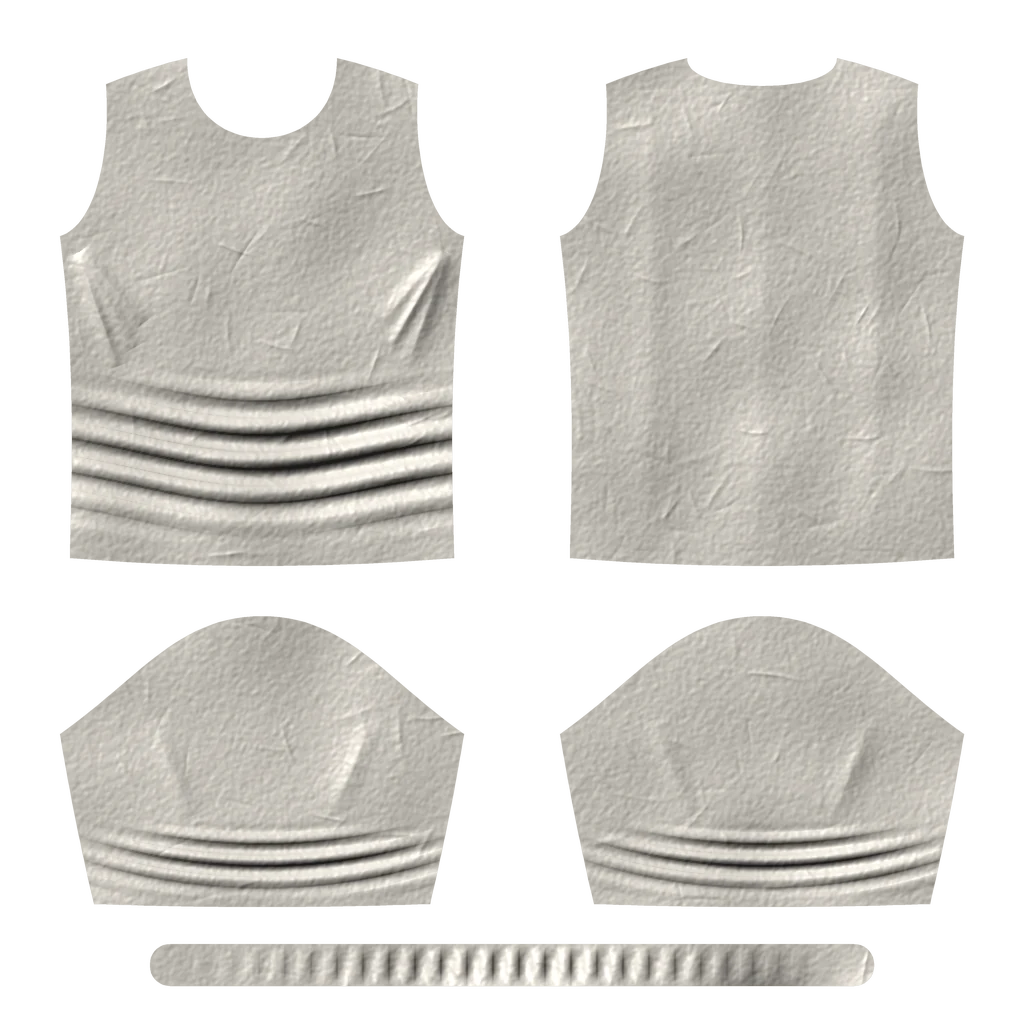
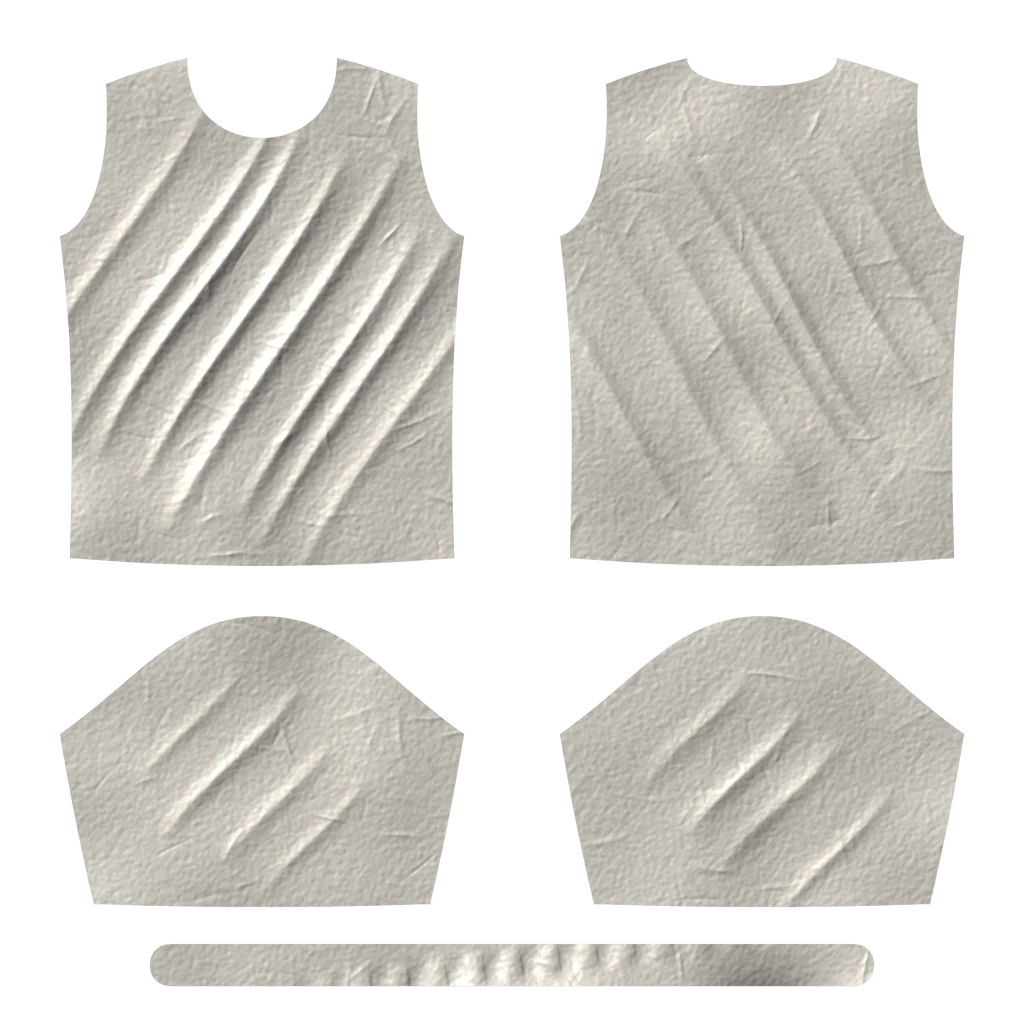
A wrinkle map is just colours until light falls on it. Drag across to see a map as the folds it holds — one T-shirt pattern, five poses.
Normal map
Lit relief
Ask for a bake. Find it in Unreal.
Turn on MCP in Looma and an assistant such as Claude or Codex can read your scene, prepare a bake, check it, start it and deliver the result to your Unreal project — while you keep working.
- Nothing starts unchecked.A bake runs only after every listed check has passed.
- You stay in charge.Jobs appear in Looma's Bake workspace with their settings and a Cancel button.
- Never overwrites.Results always go to new folders; your sources are read-only.
What goes in, what comes out.
Looma is in active development; this is what the current build does.
| Platform | Windows x64. Native C++ and Qt — no Maya, no Python needed. |
|---|---|
| Interface | English and Русский |
| Garment in | Skinned FBX (linear or rigid skin), OBJ |
| Also in | Body FBX · Pose Wrangler RBF JSON · pose sets from the Unreal analyzer |
| Simulation | Built-in cloth solvers · CPU and GPU · pause, resume, live grab · collider clips for external simulators |
| Bake | Raycast · surface projection · DirectX or OpenGL green |
| Maps out | PNG or TGA normal maps · packed pairs (RG + BA) |
| Also out | OBJ / FBX surface snapshots in any pose · .looma scenes |
| Automation | MCP server for assistants · command-line runs for checks · delivery to Unreal projects with the runtime |
See Looma on your own garment.
Send us a skinned garment and a few animations. We'll take it from FBX to maps with you, live.